THE RULE, PLAINLY
What the deadline actually requires
In 2024 the U.S. Department of Health and Human Services finalized a rule under Section 504 of the Rehabilitation Act. In plain founder language: if your practice receives federal financial assistance from HHS — the funding tied to programs like Medicare and Medicaid — your website and patient-facing apps have to be usable by people with disabilities, measured against a specific technical standard called WCAG 2.1 Level AA.
The compliance clock is phased by organization size. Larger recipients are expected to conform by May 2026; smaller ones get until 2027. A parallel rule under the Americans with Disabilities Act puts the same WCAG 2.1 AA bar on state and local government healthcare on a similar timeline. Exact scope depends on how your funding flows, so confirm your own status with counsel — but for most clinics that bill these programs, the safe read is: the website is now in scope, and the standard is not optional.
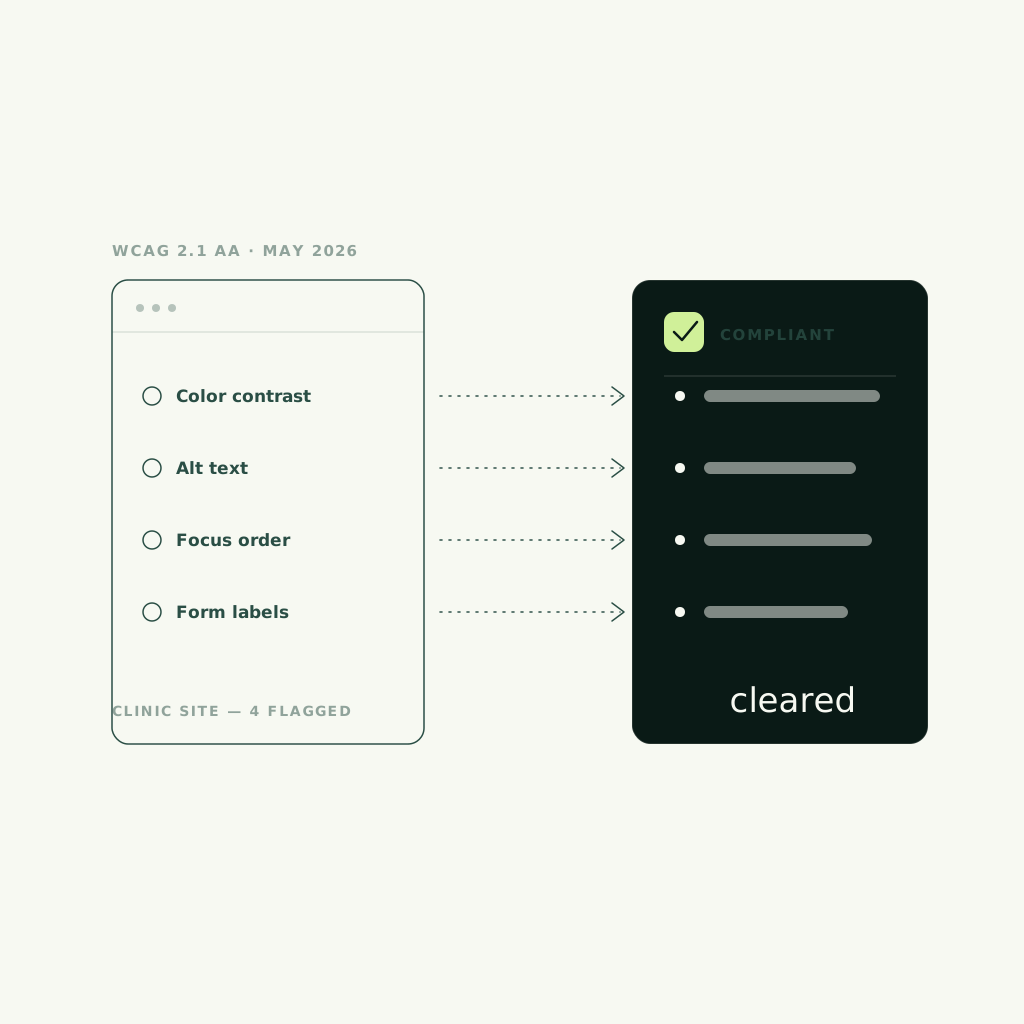
WCAG 2.1 AA is not a vibe. It is a published checklist — enough color contrast to read, every form field labeled, video captioned, the whole site operable by keyboard and screen reader. A patient using assistive technology should be able to book a consult exactly as easily as one using a mouse.
IF YOU'RE IN CANADA
The same standard, a different reason
This particular HHS deadline is U.S. law. If you run a Canadian clinic that takes no U.S. program dollars and serves no U.S. patients, it may not bind you directly — don't let anyone tell you otherwise. But three things make WCAG 2.1 AA the right floor anyway.
First, jurisdiction can reach you: a Canadian clinic that serves U.S. patients or bills into U.S. programs can find itself in scope. Second, the direction of travel at home points the same way — Ontario's AODA already requires WCAG-level conformance for many organizations' websites, and British Columbia's Accessible British Columbia Act signals private-sector standards are coming, not receding. Third, and simplest: an accessible site is a better-converting site. Legible contrast, labeled forms, and captioned video help every patient book faster, deadline or no deadline. The compliance date is the forcing function. The business case is the reason.
WHERE CLINIC SITES FAIL
The failures the rule keeps catching
Most clinic websites break the standard in the same handful of places. None of these require a lawyer to spot — they are design and build decisions, and every one of them also quietly costs you bookings.
- Low-contrast text on tint
- Form fields with no labels
- Video with no captions
- Images missing alt text
- Services locked in PDFs
- Booking widget fails keyboard
- Color as the only signal
- Headings out of order
- Tiny tap targets on mobile
- No visible focus outline
RUN THIS YOURSELF
A 15-minute self-check before you call anyone
You don't need software to find most of the problem. Open your own site and run these eight checks. Be honest — the failure is usually the one you're tempted to skip.
- Unplug your mouse. Can you reach the booking button using only the Tab and Enter keys, and see where you are as you go?
- Click into your booking or contact form. Does every field have a visible text label, not just grey placeholder text that vanishes when you type?
- Find your service menu. Is it real text on the page, or a PDF you have to download and pinch to read?
- Play any video on the site. Do captions appear, or is a deaf patient locked out of the message?
- Squint at your lightest text on its background. If it's hard for you at full attention, it fails contrast for a patient who isn't.
- Ask whether any instruction relies on color alone — 'fields in red are required.' A colorblind patient can't see red.
- Open the site on your phone. Are the booking and menu taps big enough to hit without zooming?
- Right-click an image and check its alt text. A screen reader reads that text aloud; a blank one reads nothing.
WHAT A REBUILD INVOLVES
What a compliant rebuild actually takes
Compliance is not a plugin you bolt on the week before the deadline. The overlay widgets that promise instant accessibility have a poor legal track record and can make screen-reader experience worse. Real conformance is built into the page.
In practice a compliant rebuild means a color system that clears the contrast bar everywhere, not just in the hero. It means every form field labeled and every error announced, so a patient using a screen reader always knows what went wrong. It means captions and transcripts on video, alt text on imagery, a logical heading order, and a fully keyboard-operable interface — including the booking widget, which is where clinics fail most often because the scheduler is a third-party embed nobody tested. And it means the service menu lives as structured HTML, not a PDF, so both patients and search engines can actually read it. Done properly, this is the same work that makes a site fast, legible, and easy to book on — which is why we treat it as design, not paperwork.
HOW WE BUILD IT IN
Accessible by default, booked by design
We build clinic sites to WCAG 2.1 AA as the standard, not the upsell — the accessibility bar healthcare providers are increasingly held to, wired in from the first component instead of patched before an audit. The trust design that reassures a nervous patient and the contrast, labels, and keyboard paths that satisfy the rule are the same decisions, made once.
The booking flow is where it comes together. An accessible, one-tap booking path that a keyboard and a screen reader can both complete is also the path that converts a first-time visitor before they bounce — and the capture wiring behind it routes that booking straight into your CRM and calendar on day one. You can see the pattern on our medspa and aesthetic clinics page, on our dental practice page, and in the Cyra Beauty case study, where the same build carries a clinic's calm and still books the consult. Compliance and conversion, it turns out, want the exact same things.
- Contrast that clears AA
- Every field labeled
- Keyboard-operable booking
- Captioned, transcribed video
- Services in real HTML
FAQ
Common questions.
Does the May 2026 HHS deadline apply to my clinic?
If your practice receives federal financial assistance from HHS — the funding tied to programs like Medicare and Medicaid — your website is likely in scope, with larger recipients expected to conform to WCAG 2.1 AA by May 2026 and smaller ones by 2027. Scope depends on how your funding flows, so confirm your own status with counsel rather than guessing.
What is WCAG 2.1 AA in plain terms?
It's the published technical standard the rule points to. In practice it means enough color contrast to read, every form field labeled, video captioned, images described, and the whole site operable by keyboard and screen reader — so a patient using assistive technology can book a consult as easily as anyone else.
Does this apply to Canadian clinics?
The HHS deadline is U.S. law. A Canadian clinic that takes no U.S. program dollars and serves no U.S. patients may not be bound by it directly. But clinics serving U.S. patients or billing U.S. programs can be in scope, Ontario's AODA and British Columbia's accessibility legislation point the same direction, and an accessible site simply books more patients — so WCAG 2.1 AA is the right floor either way.
Can't I just install an accessibility overlay widget?
We don't recommend it. Overlay widgets that promise instant compliance have a poor legal track record and can make the screen-reader experience worse, not better. Real conformance is built into the page — contrast, labels, keyboard paths — which is also the version that actually helps patients.
How long does an accessible rebuild take?
A focused Studio Sprint targets a 14-day ship. A full brand-and-site build runs longer depending on how many treatment pages, galleries, and integrations the clinic needs — but accessibility is built in from the first component, never bolted on at the end.
Will fixing accessibility hurt how my site looks?
No. Legible contrast, labeled forms, logical structure, and captioned video are the same decisions that make a site feel calm, premium, and easy to book on. Done as design rather than paperwork, compliance and conversion pull in the same direction.