THE SHORT ANSWER
What a replatform really involves.
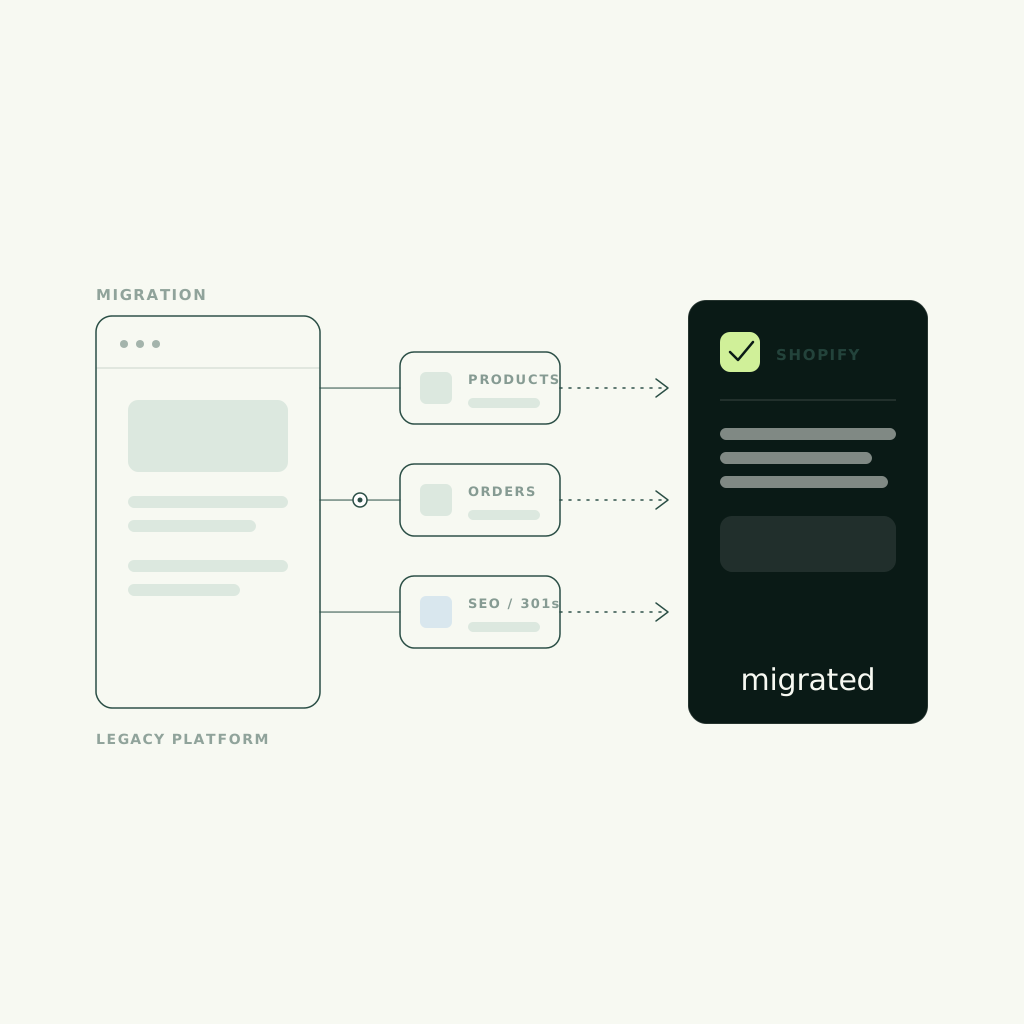
Replatforming to Shopify is not a theme swap. It's a full rebuild of the storefront, a careful migration of products, customers, and order history, a re-wiring of every system your business runs on, and a redirect map that preserves the search rankings and revenue you already have. Done well, it removes a ceiling — checkout you don't control, apps that fight each other, a stack that can't scale. Done carelessly, it drops rankings, breaks checkout, and costs more to fix than the migration ever saved.
Budget for four workstreams — theme and UX rebuild, data migration, integrations, and SEO preservation — plus one decision about checkout economics. Market migrations at scale commonly run well into five and six figures depending on catalog size and integration depth; our own public floors sit lower, a Studio Sprint from $8k for a focused rebuild and the Full Studio from $24k for a complete store and brand system. You can see the full breakdown on our pricing page. We build this path on our ecommerce shopify track, and this guide is the operator's version of what those numbers actually buy.
THE SIGNALS
Signs you've outgrown your platform.
You don't replatform because Shopify is fashionable. You replatform when the platform you're on starts costing you sales — and the signals are consistent across the brands that come to us ready to move. If two or three of these are true, you're not shopping for a theme; you're shopping for a migration.
- Checkout you can't control
- Apps fighting each other
- Speed you can't fix
- Devs gate every change
- Scaling breaks the theme
THE WORKSTREAMS
What actually moves in a migration.
Once you accept it's a rebuild, the work divides into five workstreams. Each one is a place a cheap migration cuts a corner — and each corner is a place revenue leaks. One scoping question to settle early: whether your catalog actually needs a headless CMS front end — most stores don't, and knowing why keeps the rebuild scoped to what sells.
Theme and UX rebuild
Your current design doesn't port over; it gets rebuilt in Shopify's architecture — Online Store 2.0 sections, or a headless front end for a complex catalog. This is the moment to fix the UX debt you've been living with, not to recreate it pixel-for-pixel on a new platform. Treat the rebuild as a redesign with a conversion goal, or you've paid migration cost for a lateral move.
Data migration
Products, variants, collections, customer accounts, and order history all have to move without corruption or duplication. Variant-heavy catalogs, metafields, and years of historical orders are where migrations quietly go wrong. Concepto Interiors runs 300+ finishes online as structured product data — the kind of catalog depth that makes clean migration a real engineering task, not a CSV import.
Integrations: ERP, 3PL, subscriptions
Your store is wired to systems that run the business: an ERP for inventory and accounting, a 3PL or warehouse for fulfillment, a subscriptions engine for recurring revenue, plus email, reviews, and analytics. Each needs a re-integration plan and a test. Subscriptions are the highest-risk piece of all, because moving active recurring billing without disrupting existing subscribers is delicate work. This is the capture wiring layer — the part that decides whether the new store feeds the business or just looks like it does.
Redirects and SEO preservation
This is the workstream cheap migrations skip, and the one that can erase years of ranking overnight. Every old URL needs a 301 redirect to its new equivalent, structured data has to carry over, and the site has to be crawled and validated before and after launch. Zinodeck's build treats content and search as conversion engines rather than decoration — that same discipline is what protects organic revenue through a replatform.
Checkout economics
Shopify's checkout is a strength and a constraint. It converts well and you don't maintain it, but Shopify Payments terms, third-party gateway fees, and the checkout customization that comes with Shopify Plus all change your unit economics. Model the transaction cost before you commit — at scale, a fraction of a percent on every order is a real line in the P&L.
THE NUMBER
What a replatform actually costs.
What a replatform costs depends on catalog size, integration count, and how much design debt you're clearing — not on page count. At enterprise scale, market migrations commonly run well into five and six figures once you add data engineering, integration work, and a full storefront rebuild; treat any flat quote far below that on a large catalog with suspicion, because the cost didn't disappear, it moved into a phase-two invoice or onto your team. Our public floors are the honest starting line: a Studio Sprint from $8k for a focused rebuild or a single high-priority store path, and the Full Studio from $24k for a complete store, brand system, and content architecture. Those are floors, not final numbers — the real figure tracks the four workstreams above.
AFTER LAUNCH
The replatform is the floor, not the ceiling.
Migrating is the starting line. The store that wins is the one you keep sharpening after launch, on real buyer behavior. A replatform gives you a faster, cleaner, better-integrated store; conversion rate optimization is what turns that into revenue over the following months — checkout tuning, merchandising, content, and AI-search visibility, iterated against what shoppers actually do. That's what our Studio Continuity track exists for: monthly CRO, content, and AI-search work from $2,500/mo, the 'Always' in our Day 1 / 14 / 30 / Always handoff, priced on the same public floors as everything else on the pricing page.
WATCH FOR
Where replatforms quietly break.
A cheap migration quote usually hides where the risk went, not that the risk isn't there. Watch for a plan with no redirect map — it means your rankings are being gambled. Watch for a catalog imported blindly by CSV with no validation, for integrations deferred indefinitely to a 'phase two' that pays for the corner cut now, and for subscriptions moved untested while real customers are billing. And watch for a pixel-for-pixel rebuild that spends migration budget to land you exactly where you started. To pressure-test your current store before you commit to any of this, a Brand Score reads brand, conversion, and capture wiring in one pass and returns the three highest-impact moves first.
- No redirect map
- Catalog imported blindly
- Integrations deferred indefinitely
- Subscriptions moved untested
- A pixel-for-pixel rebuild
FAQ
Common questions.
How long does replatforming to Shopify take?
A focused single-store rebuild can ship in weeks; a large catalog with deep ERP, 3PL, and subscription integrations runs longer because the data and integration testing set the timeline, not the design. A focused Studio Sprint targets a 14-day ship, with full store-and-brand builds running longer depending on catalog depth and integration count. The honest driver is how many systems have to move safely, not how many pages you have.
Will I lose my SEO rankings when I migrate to Shopify?
Only if the migration skips redirect and SEO preservation — which is exactly where cheap quotes cut corners. Done properly, every old URL gets a 301 redirect to its new equivalent, structured data carries over, and the site is crawled and validated before and after launch, so rankings hold. Ask any vendor for their redirect map before you sign; if they don't have one, they're gambling your organic revenue.
How much does replatforming to Shopify cost?
It tracks catalog size, integration depth, and design debt, not page count. At enterprise scale, market migrations commonly run well into five and six figures once data engineering and integrations are included. Our public floors are a Studio Sprint from $8k for a focused rebuild and the Full Studio from $24k for a complete store and brand system; the real number depends on the four workstreams — theme rebuild, data, integrations, and SEO preservation.
Do I need Shopify Plus?
Not always. Plus earns its price when you need checkout customization, higher API limits, advanced B2B, or serious scale; many brands migrate successfully on standard Shopify first and upgrade when the constraints — usually checkout control and volume — actually bite. Decide it against checkout economics and catalog complexity, not on brand prestige.
Can you migrate my subscriptions and ERP without downtime?
Yes, but it's the most delicate part of the project and has to be planned and tested, not improvised. Active recurring billing and live inventory or accounting data can't be moved blindly — they need a staged migration, a test against real records, and a rollback plan. A vendor who treats subscriptions or ERP as an afterthought is the biggest red flag in a replatform quote.
Is Shopify better than my current platform?
It's better when your current platform is the thing costing you sales — checkout you can't control, apps fighting each other, speed you can't fix, or a stack that breaks as you scale. If none of those are true, a replatform is expensive motion. Replatform to remove a specific ceiling, not because Shopify is popular.